
Timestamp Camera Alternative for Work Photos
Timestamp Camera stamps time on photos and video with lots of options. When work photos need to serve as evidence, here is what to consider and what to use.
Timestamp Camera is one of the most downloaded apps on Google Play for putting the date and time on photos. People use it to photograph receipts, record a vehicle’s condition, document a site or shoot timestamped video. The question is: when photos are for work and may be disputed, is Timestamp Camera still enough, and if not, what should you use?
What Timestamp Camera does
According to the developer’s Google Play listing as of the publish date:
- Adds time and location to photos and video in real time, with video timestamps accurate to the millisecond.
- 61 timestamp formats, 7 stamp positions, and control over font, color, size, opacity and background.
- Automatic address and GPS, plus altitude, speed, map, compass, custom text and logo.
- A free version and a one-time paid Pro version.
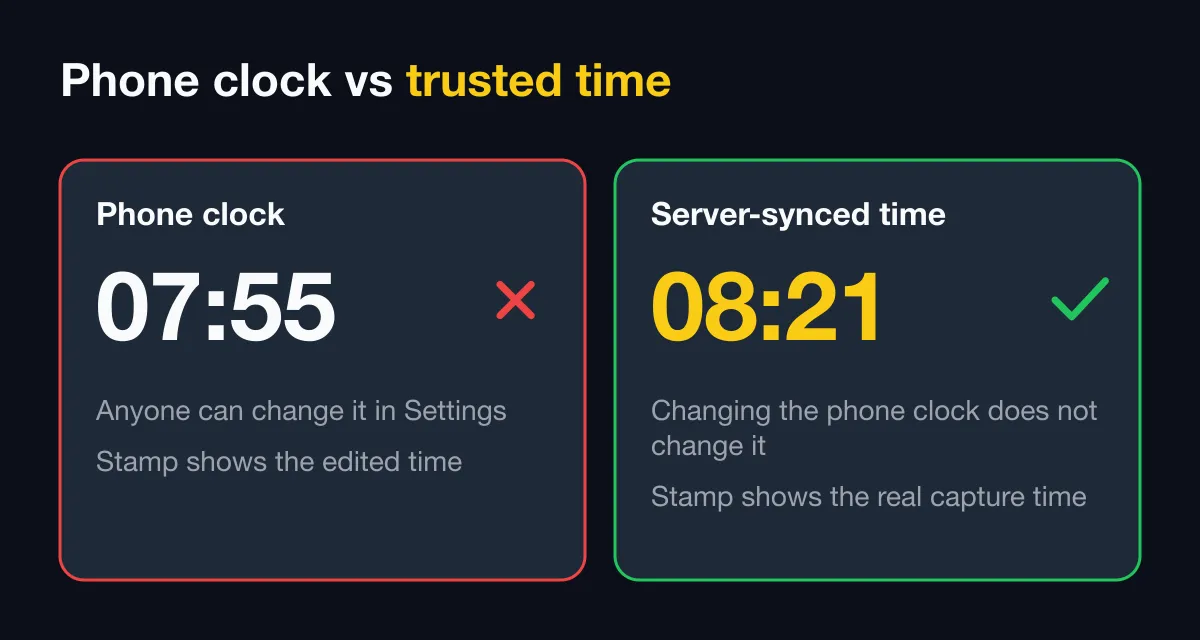
- The developer also publishes an Enterprise edition that takes time from the network, so the stamp stays correct if the user changes the phone clock.
It is a very capable timestamp camera, especially for styling and video. If you only need dated photos for yourself, it remains a good choice.
When to look for something else
Recipients need to check the photo themselves
A timestamp, however precise, is still text printed onto pixels. If a client or insurer asks “how do I know this was not edited?”, you need a code that looks up an original record and a way to compare files. Timestamp Camera’s listing did not describe this as of the publish date.
You manage a team
With 5, 10 or 50 people shooting, the questions change: where do photos go, who can see them, do photos stay when someone leaves, and does everyone use the same stamp? The listing does not describe team workspaces.
You need attendance
Clock-in and clock-out photos, checks against a site zone and a timesheet export are a different need from a timestamp camera.
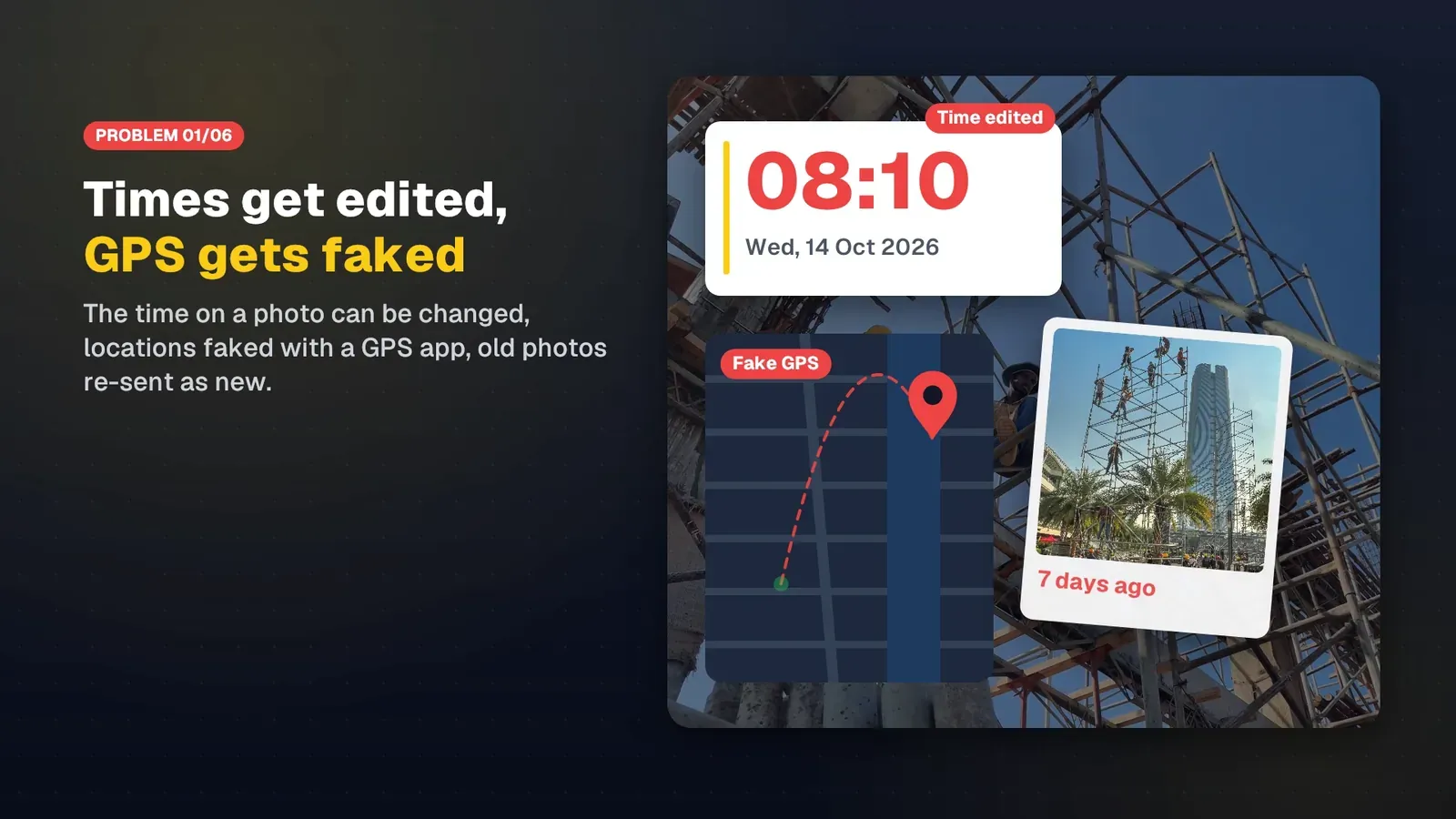
You need protection against fake locations
Time can come from the network, but what about location? Fake GPS apps are common. An app for work should detect and handle them.
Timestamp Camera vs SnapID Mark
| Criterion | Timestamp Camera (per its Google Play listing) | SnapID Mark |
|---|---|---|
| Platform | Android | Android, iOS |
| Photo and video | Photo and video, millisecond video timestamps | Stamped photos and video, video kept on the phone |
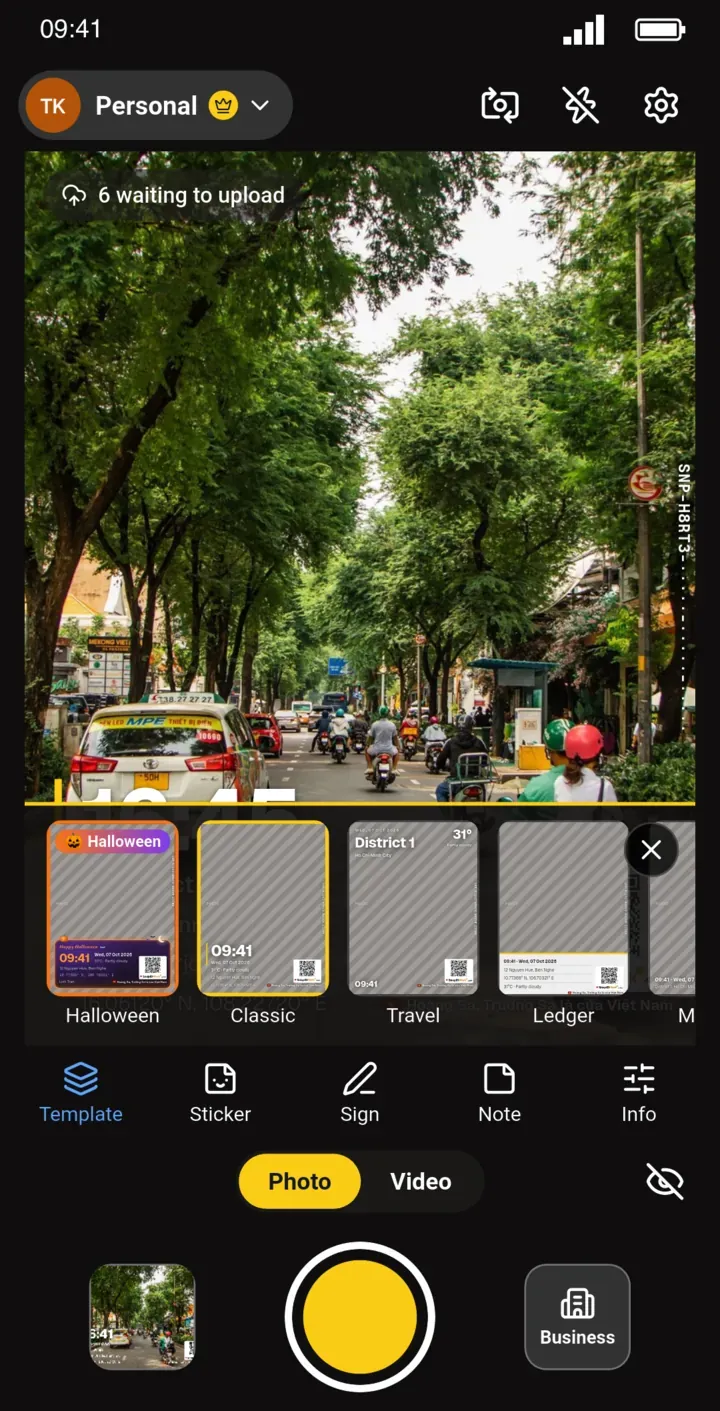
| Stamp styling | 61 time formats, 7 positions, fonts, colors, logo | 35+ built-in templates (everyday, industry, seasonal, camera-style), drag-and-drop editor, stickers, signature, logo |
| Time source | Enterprise edition uses network time | Server-synced time, correct even offline |
| Fake location | Not described | Workspaces block capture while a fake location app is on |
| Verification for recipients | Not described | SnapID code, QR, public verify page |
| Compare a file to the original | Not described | SHA-256 fingerprint check in the browser |
| Team management | Not described | Workspace, admin website, roles, required templates |
| Attendance | Not described | Clock in, clock out, geofences, timesheet Excel |
| Price | Free version, one-time Pro | Free for individuals, 5 free business seats |
In short: if you need video with a running millisecond clock, Timestamp Camera does it better, since SnapID Mark’s video stamp shows the start time and duration only. If you need photos others can verify and team management, SnapID Mark is the better fit.
Other alternatives
- Timemark: Photo Codes, Teamspace, attendance and video. Suits larger crews that need reports and integrations. See our Timemark alternative guide for when each app fits.
- GPS Map Camera, NoteCam: lots of fields and notes, good for individuals. See GPS Map Camera and NoteCam alternatives for business.
- Open Camera: open source, with options to print date, time and coordinates, good for technical users.
The full list is in the best timestamp camera apps.
Moving from Timestamp Camera to SnapID Mark
- Install SnapID Mark and take a few photos in Personal. See Install the app.
- Pick a template close to the stamp you are used to. You can drag the time, address, SnapID code and QR into place. See Stamp templates.
- Send a photo to someone and ask them to scan the QR to open the verify page. Try the file comparison too.
- For a team, create a workspace on the admin website and invite colleagues.
- Keep Timestamp Camera for jobs that need a running millisecond clock on video.
FAQ
Does SnapID Mark record timestamped video?
Yes. SnapID Mark records stamped video: the stamp shows the start time and duration, and the video file stays on your phone. If you need a running millisecond clock on video, keep your current app for that.
Are personal photos in SnapID Mark backed up?
Personal photos stay on the phone and are never uploaded automatically. Premium (1 USD a month or 5 USD a year) adds up to 2 GB of cloud backup: pick photos in the Gallery and tap Back up. Workspace photos are sent to the workspace according to the workspace’s sending mode. See Premium backup.
Does changing the phone clock change the time on a SnapID Mark photo?
No. See trusted time vs phone time.
Get started
Download SnapID Mark for free and send a colleague a photo with a SnapID code. Managing a team? Open the admin website.
Timestamp Camera and other app names are trademarks of their respective owners and are used for descriptive purposes only. Information is based on app store listings as of the publish date and may have changed.