
Connecteam Alternative for Photo Proof and Clock-Ins
Connecteam is a broad app for deskless teams. When a lighter photo and attendance app fits better, a criteria table, what SnapID Mark lacks and a 5-day trial.
Connecteam is a well-known app for managing deskless teams: time clock, scheduling, team chat, forms and training. Many small business owners find it while searching for a free GPS time clock and then wonder: do we need all of that, or just photos with time and location plus a timesheet?
This guide compares the two fairly. We make SnapID Mark, so we say plainly where Connecteam is stronger.
What Connecteam does
According to Connecteam’s home page, time clock page and pricing page as of the publish date:
- One-tap clock-ins on mobile, restricted to the job site with geofencing, plus automatic clock-outs when someone leaves the site.
- GPS tracking while on the clock for mobile teams (the page calls it “live GPS breadcrumbs”).
- A kiosk time clock on a shared tablet, with PIN codes or selfie verification against buddy punching.
- Scheduling, team chat, tasks and digital forms with photos and signatures.
- Timesheets synced to a payroll provider or exported as PDF or XLS.
- The product is split into hubs for operations, communications, and HR and skills. The pricing page lists a free small business plan for up to 10 users.
- iOS and Android apps.
If you want one place to schedule, clock in, message and train hourly staff, Connecteam is well worth a look.
When a lighter app fits better
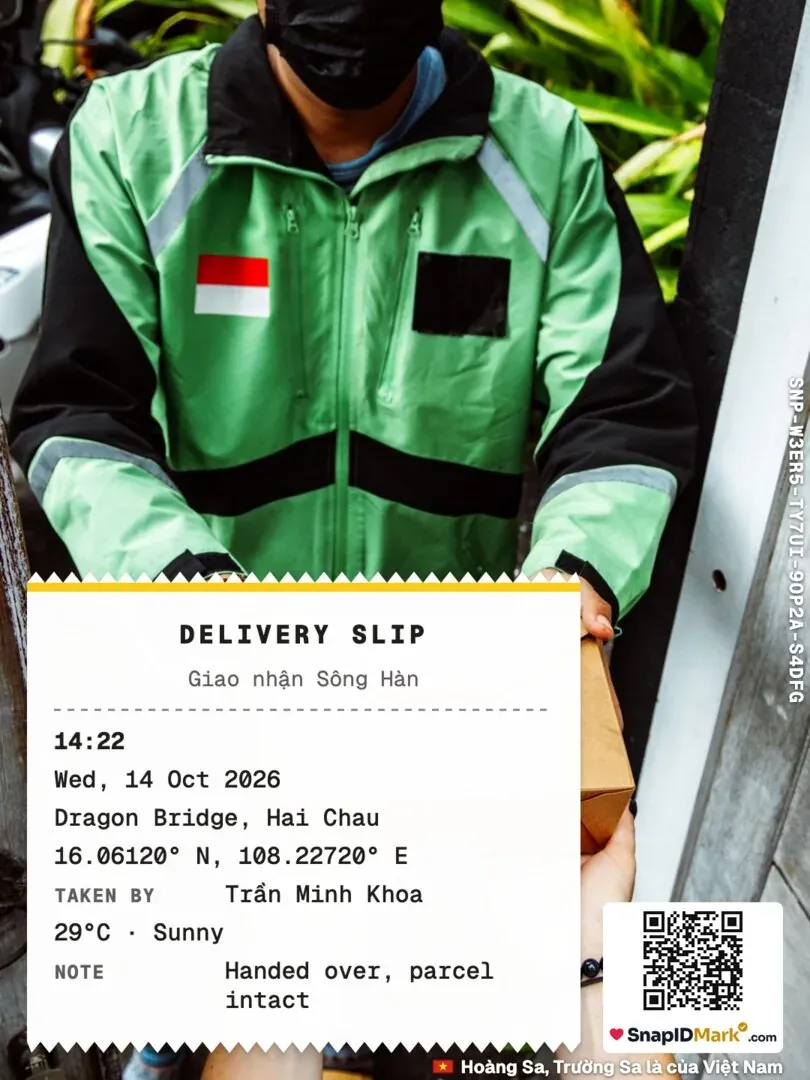
- You need photos as proof of work, not only hours. Handover photos, before and after shots and delivery photos with time and location printed on the image.
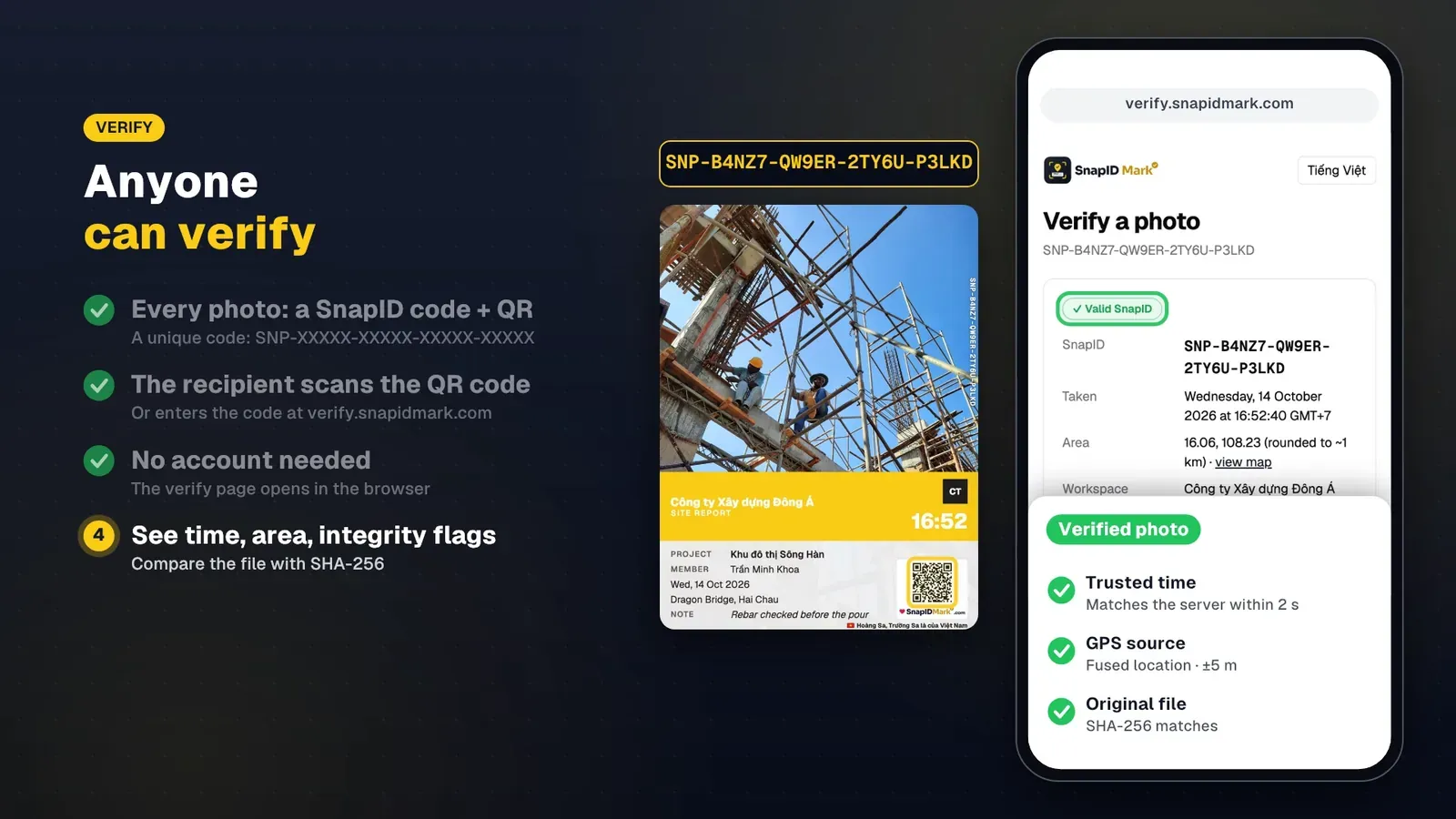
- People outside your company must check photos themselves. Owners, clients and insurers want to know a file is the original and was taken when it says, without an account.
- You don’t want all-day location tracking. Some teams prefer to record location only at the moment of clocking in.
- Your crew prefers Vietnamese. Connecteam’s pages do not mention Vietnamese.
- Your team is small and the work is simple. Scheduling, chat and training already happen in other tools.
Criteria comparison
| Criterion | Connecteam (per its official pages) | SnapID Mark |
|---|---|---|
| Mobile clock-in | Yes, one tap | Yes, with Clock in and Clock out photos |
| Geofence | Yes | Yes, 20 m to 50 km radius per site |
| GPS tracking during shifts | Yes | No. Location is read only while the app is open to take a photo |
| Shared kiosk | Yes, with PIN or selfie | No, each person uses their own phone and account |
| Scheduling, chat, training | Yes | No |
| Time and location stamped on the photo | Photos inside forms | Yes, network time, address, coordinates, weather, logo |
| Recipients verify a photo | Not described | SnapID code, QR, verify page without an account |
| Fake location | Not described | Workspaces block capture while a mock-location app is on |
| Offline clock-in | Not mentioned on the page | Yes, correct time recorded, uploaded later |
| Payroll | Syncs with payroll providers | No, Excel timesheet export only |
| Languages | Vietnamese not mentioned | 19 languages, including Vietnamese and English |
| Free tier | Up to 10 users | Free for individuals, 5 free business seats |
In short: Connecteam is far broader and works as an operations app for the whole company. SnapID Mark is narrower and focused on field photos others can verify and photo attendance.
What SnapID Mark does not have
- No scheduling, team chat, training or multi-step forms.
- No shared kiosk. Every person needs a phone and an account with a verified email.
- No Wi-Fi clock-in, no face recognition and no payroll.
- No API or integrations yet, no SSO.
- A SnapID code lets recipients check a photo, but it is not a legally certified timestamp. See are timestamped photos valid evidence.
Can you use both?
Yes, and many teams do. Keep Connecteam (or another HR tool) for scheduling and payroll, and let field staff use SnapID Mark for handover and delivery photos with a verification code. This split is covered in HR software vs a photo attendance app.
Try it in 5 days
- Create a workspace on the admin website and add sites with a radius. See Company info and settings.
- Invite 3 to 5 people by link or code. See Invite members.
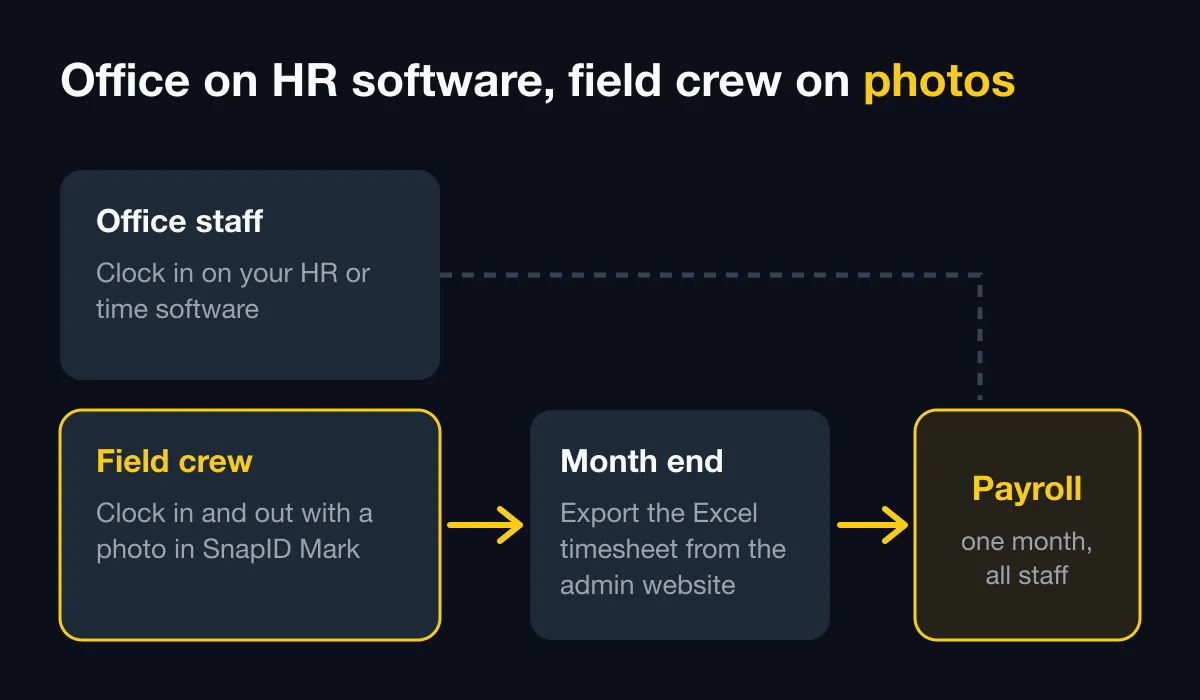
- Everyone clocks in and out with photos for 5 days. See Photo attendance.
- At the end of the week, export the Excel timesheet and compare it with your current records. See Export data.
Considering Hubstaff instead? Our Hubstaff alternative guide explains when photo proof beats all-day GPS tracking.
FAQ
Is SnapID Mark free like Connecteam?
Personal use is free. Workspaces start with a free 5-seat plan. Connecteam lists a free plan for up to 10 users, so teams of 6 to 10 should compare what they really need.
Are employees tracked all day?
No. SnapID Mark uses location only while the app is open, to stamp the photo and check the attendance zone. See Phone permissions.
What if someone uses a fake GPS app?
In a workspace, the app blocks capture until the mock-location app is turned off. See Location and GPS and how to stop attendance fraud.
Get started
Download SnapID Mark and open the admin website to create a workspace. Comparing several time clocks? Read free GPS attendance apps, the Jibble alternative and the Tanca alternative.
Connecteam and other app names in this article are trademarks of their respective owners and are used for descriptive purposes only. Information about other apps is based on their official pages as of the publish date and may have changed.