
Construction Photo Apps With GPS: 6 Options Compared
Construction photo apps with GPS and reports compared: CompanyCam, Fieldwire, Raken, Solocator, Timemark and SnapID Mark. How to pick by role and team size.
Owners, supervising engineers and insurers all want construction photos with a date, time and location. But “construction photo app” can mean three quite different things: a stamp camera for one person, a team photo app for the whole crew, and jobsite management software with drawings, tasks and daily reports.
This guide puts six common names into the right group so you neither buy a system that is too big nor rely on a camera that is too small.
Three groups of apps
| Group | Use when | Examples |
|---|---|---|
| GPS and stamp cameras | One person needs photos with time, coordinates and notes | Solocator, Timemark (personal) |
| Team photo apps | The whole crew shoots, photos group by project, reports export | CompanyCam, Timemark, SnapID Mark |
| Jobsite management software | You need drawings, punch lists, daily reports, safety | Fieldwire, Raken |
Comparison table
Information about other apps comes from their official pages or app store listings as of the publish date.
| App | Time and GPS | Video | Reports | Verification for recipients | Attendance | Platforms |
|---|---|---|---|---|---|---|
| SnapID Mark | Yes, server-synced time | Yes, kept on the phone | PDF, Excel, ZIP with CSV | SnapID code, QR, SHA-256 file check | Yes, geofence | Android, iOS, admin website |
| CompanyCam | Yes, grouped by GPS location | Yes | Photo report builder, checklists | Clients invited to projects | Not described | iOS, Android, web |
| Fieldwire | Photos and videos linked to plans | Yes | Scheduled PDF reports, daily report forms | Not described | Timesheet forms | iOS, Android, web |
| Raken | Photos, videos, notes from the field | Yes | Daily reports as PDF | Not described | Time tracking | Mobile, web |
| Solocator | Coordinates, bearing, altitude | Not described | KMZ, CSV export | Not described | No | iPhone, iPad |
| Timemark | Yes, network time | Yes | PDF, Excel | Photo Code | Yes | Android, iOS |
Each app
SnapID Mark
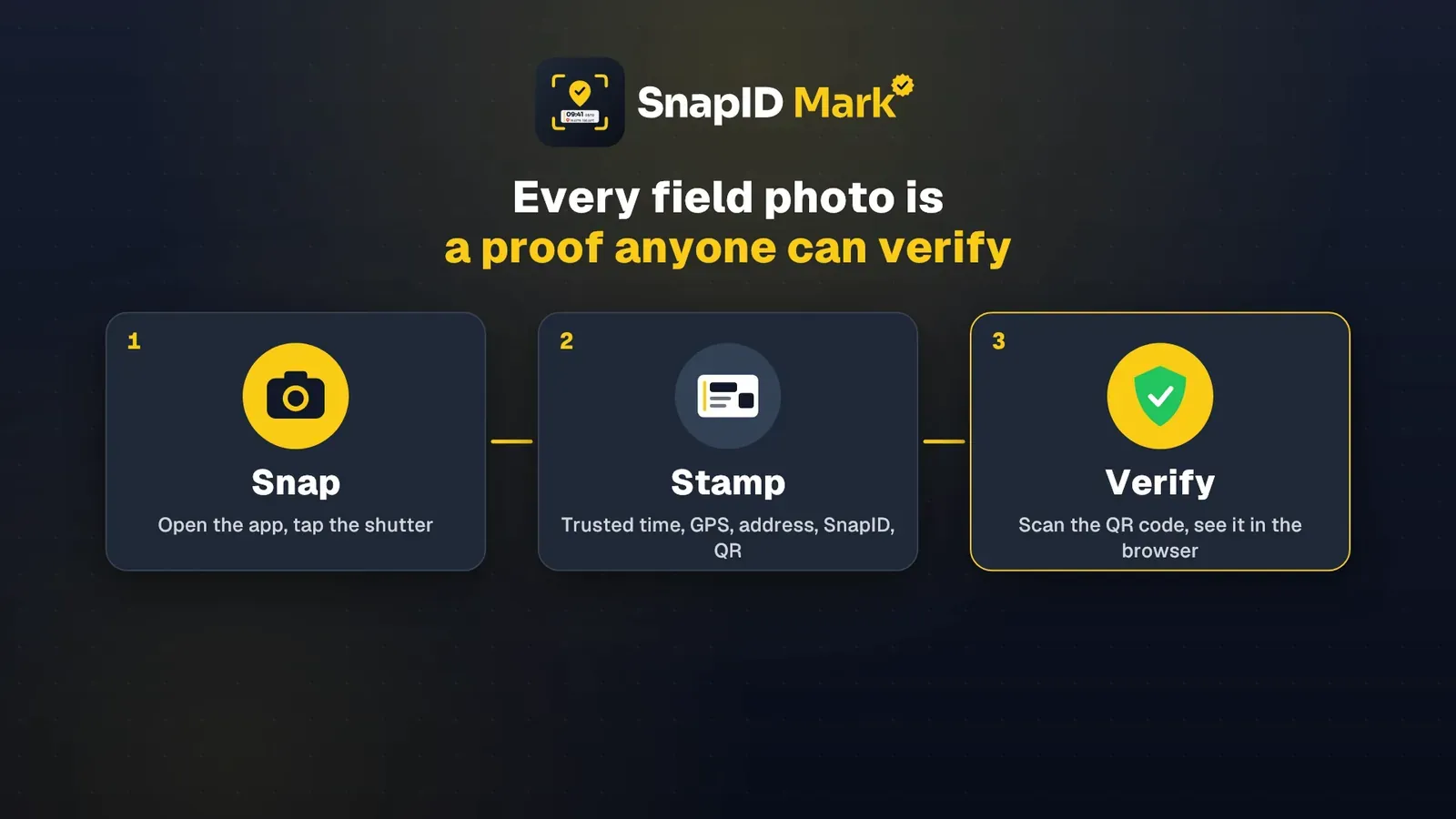
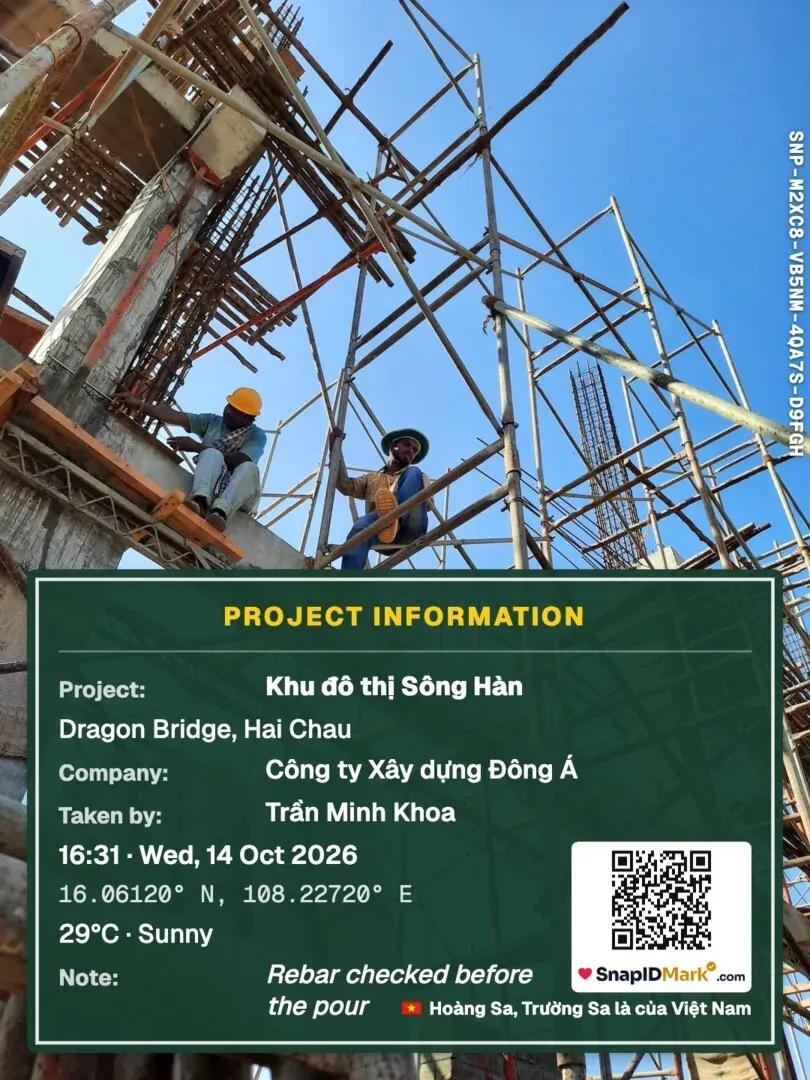
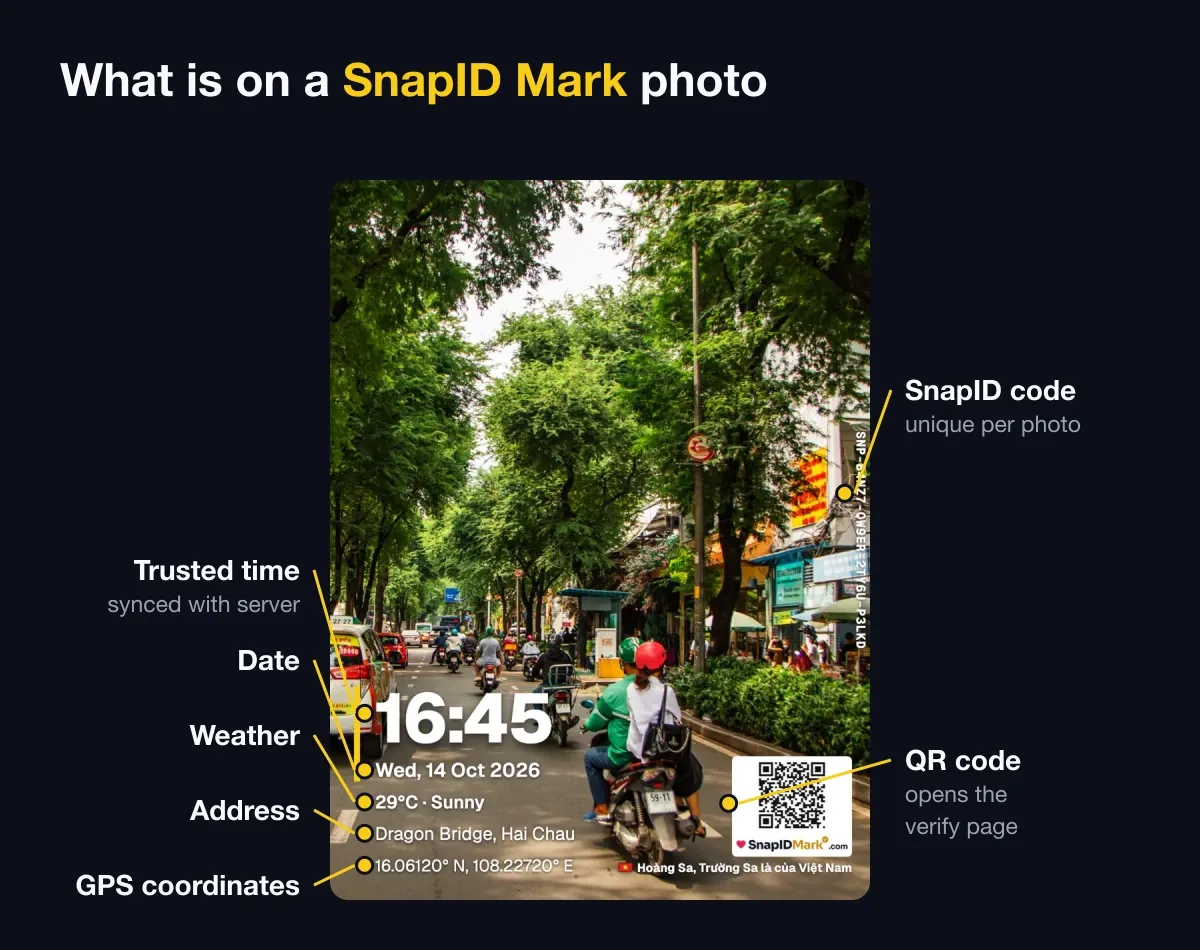
A camera for crews with a workspace. A template can show time, address, coordinates, weather, a mini map, a logo, BEFORE and AFTER stickers and your own fields such as contract number or work item. Every photo has a SnapID code and QR. Admins filter by project, site and member and export PDF, Excel or ZIP.
Not included: drawings, punch lists, API, integrations, SSO.
CompanyCam
A project photo app popular with North American contractors. GPS and time-stamped photos grouped by location, photo reports, checklists, video and many CRM integrations. Free trial. See the CompanyCam alternative.
Fieldwire
Jobsite management software from Hilti. Drawings on mobile and web, task assignment, punch lists, photos and videos on plans, daily report forms, timesheets and inspection requests. The home page offers a free start. Suits projects with drawings and many parties.
Raken
Field software for contractors: collect data on mobile, generate daily reports as PDF, attach photos, videos and notes, track hours, and run safety checklists. Free trial.
Solocator
A GPS camera for iPhone and iPad aimed at surveyors: coordinates, bearing, altitude, tilt, plus UTM and a logo with the Industry Pack. See the Solocator alternative.
Timemark
A timestamp camera with Teamspace, Photo Codes, attendance and report exports. See Timemark vs SnapID Mark.
Choose by role
- Small contractor with 3 to 15 workers: you need progress photos, handover photos and crew attendance. A team photo app such as SnapID Mark is enough.
- Large project team with drawings and many subcontractors: Fieldwire or Raken. Workers can still use a separate camera for verifiable photos.
- Surveyors and inspectors: a GPS camera with bearing and altitude such as Solocator.
- Contractors serving North American clients with a CRM: CompanyCam.
What a construction photo needs
Whatever app you choose, a good handover photo has:
- A time that does not depend on the phone. See trusted time vs phone time.
- Coordinates or an address that identify the site.
- The work item and its location in the building, on the photo.
- Before and after shots from the same angle.
- A way for the recipient to check the photo was not edited.
Stage-by-stage lists are in the construction inspection photo checklist and construction daily photo reports.
Weighing a full platform? Our Procore alternative for small contractors explains when a photo app is enough.
FAQ
Which construction photo app with GPS is free?
Many GPS cameras have a free personal version. For crews, SnapID Mark is free for up to 5 people. See also the best timestamp camera apps.
Can I put the company logo on site photos?
Yes. See how to add a company logo to photos.
Do coordinates survive when photos are sent through chat apps?
Coordinates printed on the stamp survive because they are part of the pixels. Hidden location data in the file may be removed. See how to send original photos without losing quality.
Get started
Download SnapID Mark and set up your first site on the admin website. Record the weather every day with a weather-stamped site diary.
See also: Raken and Fieldwire alternative, daily construction photo report template and electronic construction diary.
CompanyCam, Fieldwire, Raken, Solocator, Timemark and other names are trademarks of their respective owners and are used for descriptive purposes only. Information is based on official pages and app store listings as of the publish date and may have changed.