
Electronic Construction Diary: Rules, Setup, Photos
Can a site diary be kept electronically in Vietnam, what makes it trustworthy, three ways to set it up, and where verifiable photos fit.
Paper site diaries are still common: handwritten every day, signed and bound. More and more owners and contractors, though, ask about an electronic construction diary: is it allowed, what do you build it with, and how do you make it as trustworthy as the paper book?
Note: This article is general information, not legal advice. Check the current original texts, your contract, and your legal team or the construction authority.
Is an electronic site diary allowed in Vietnam?
Circular 10/2021/TT-BXD, which guides Decree 06/2021/ND-CP on construction quality management, has an article (Article 8) on using information technology in construction management. It allows electronic file formats for the construction diary and for work acceptance records, together with digital signatures on these documents under the law on electronic transactions.
The main conditions that come with it:
- Record all the matters that must be managed during construction under construction law.
- Keep records and documents accurate and truthful.
- When acceptance records are electronic, the acceptance itself still takes place on site.
The owner and the contractor agree on the form and content of the diary before construction starts. So the decision to go electronic belongs in the contract or a written agreement.
How a diary differs from a photo report
| Site diary | Daily photo report | |
|---|---|---|
| Role | Quality management record, part of the completion file | Progress communication |
| Who signs | As agreed, usually contractor and supervisor | Usually only the author |
| Content | Conditions, manpower, equipment, work done, incidents, supervisor comments | Photos by work item with captions |
| Editing after signing | Not at will | More flexible |
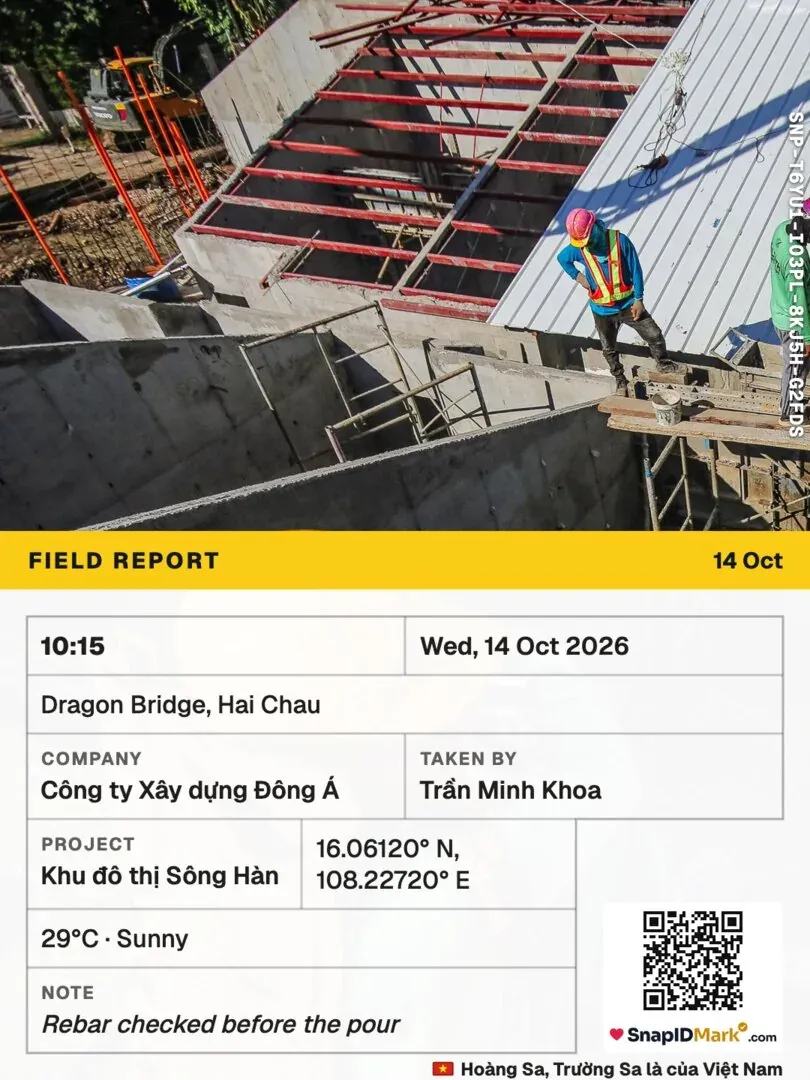
Photos support the diary rather than replace it. A photo report layout is in the daily construction photo report template.
Three ways to set it up
1. Word or Excel, exported to PDF and digitally signed
Each day the contractor fills in the agreed template, exports a PDF, signs it digitally and sends it to the supervisor to countersign. Low cost, but you manage versions and folders yourself, and each responsible person needs a digital signature.
2. Project management software with a diary module
Entries are made on web or mobile, with signing flows, permissions and photo attachments. According to Vietnam’s Industry and Trade Magazine (Tạp chí Công Thương), some large owners in the power sector have moved digitally signed site diaries into their construction investment software, letting supervisors comment with photos and sign from a phone. This suits owners with many projects.
3. Paper diary plus an electronic photo archive
The paper book stays the official record. Each entry references coded electronic photos, for example “see photos 01–06, code SNP-…”. This is the easiest first step for small contractors.
What makes an electronic diary trustworthy
- Entries on the right day. Avoid catching up at the weekend. The system should record when entries are created and edited.
- No silent edits after signing. Changes should be new entries with a reason.
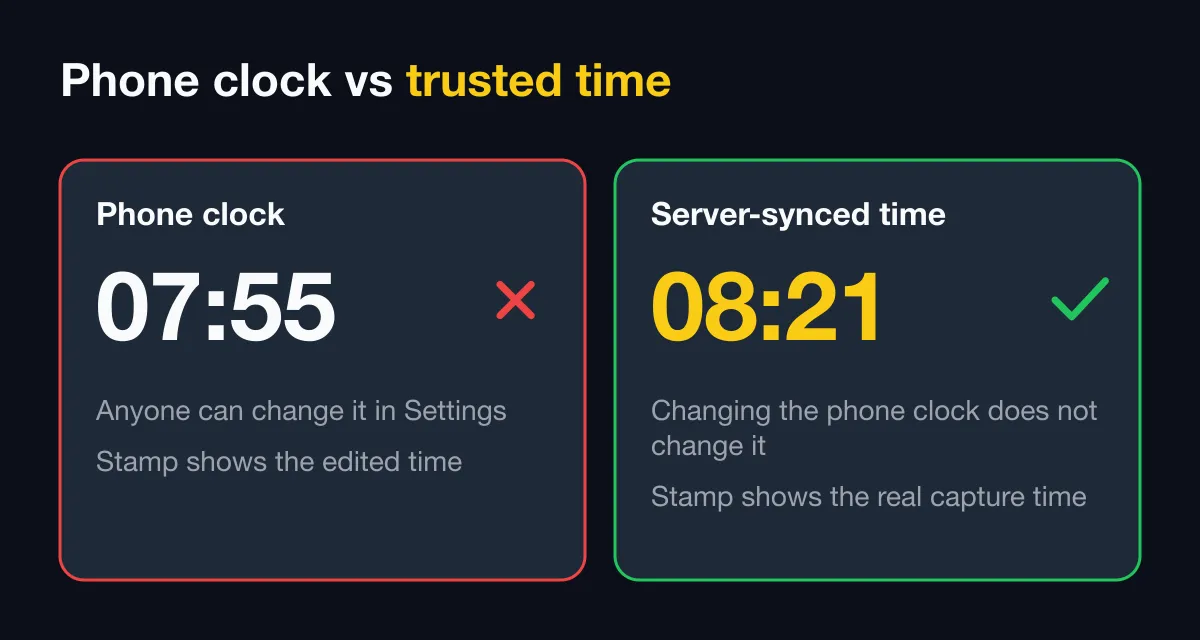
- Photos with trustworthy time and location, not the phone clock.
- Outsiders can check. Supervisors, auditors and authorities have a way to compare photos with the originals.
- Kept long enough to meet record retention for the project.
Where verifiable photos fit
Whichever setup you use, SnapID Mark handles the photos:
- Each photo is stamped with trusted network time, address, coordinates, weather, work item and a SnapID code with QR. Changing the phone clock does not change the time on the photo. See Time on the stamp.
- Photos taken without signal in a basement still get a real code and upload to the workspace later. See Shooting offline.
- Anyone who receives a photo file can compare it with the original by SHA-256 fingerprint on the verify page. That page is private by default and shows information only, with the area rounded to about 1 km. See Check a SnapID code.
- Admins set required stamp templates so every photo on the project has the same layout. See Stamp templates.
- Export a day’s photos as PDF, Excel or ZIP with CSV to attach to the diary. See Export data.
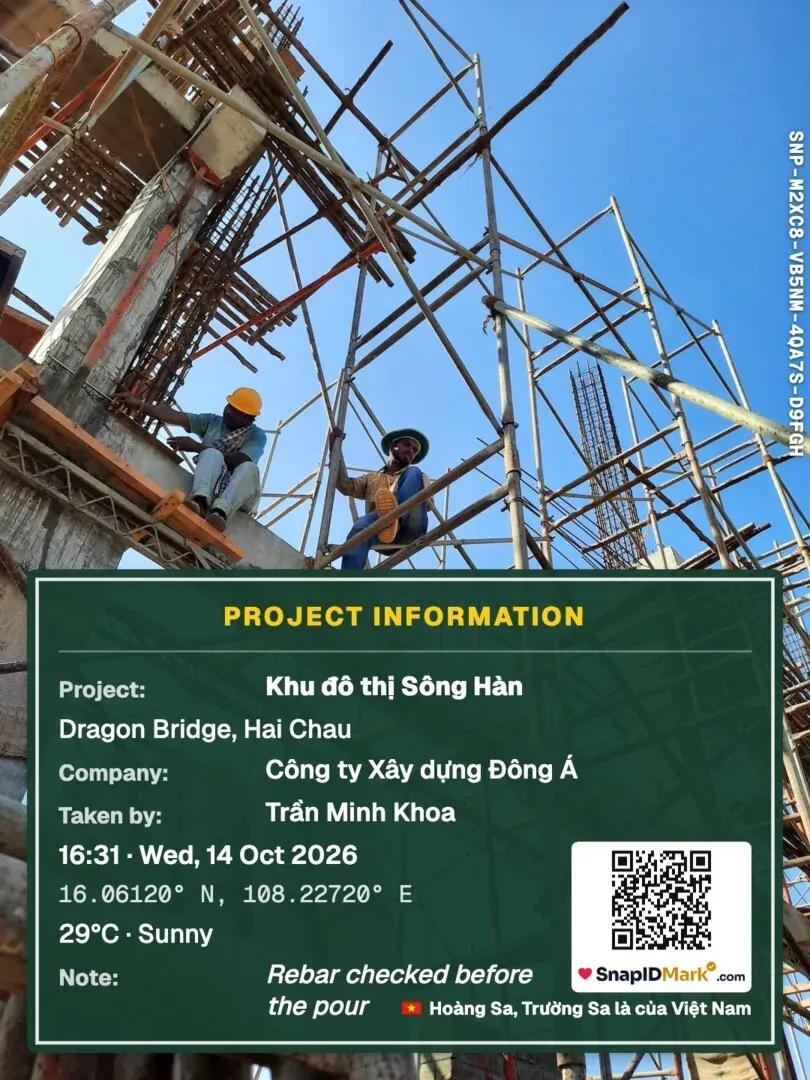
SnapID Mark is not site diary software: no diary template, signing flow or digital signature. There is no API to push photos into other software yet. A SnapID code is not a legally certified timestamp, and its weight as evidence is for the relevant authority to decide. See are timestamped photos valid evidence.
FAQ
Can I sign an electronic diary with a scanned signature?
The guidance refers to digital signatures under electronic transactions law. A scanned signature is an image, not a digital signature. Check with the owner and your legal team first.
Where should the diary’s weather come from?
From weather-stamped photos taken at the start and middle of the shift. See weather-stamped site diary.
Which photos should be attached to the diary?
Inspection photos before work is covered matter most. See the construction inspection photo checklist.
Get started
Download SnapID Mark and create a workspace for the project on the admin website. For other jobsite apps, see construction photo apps with GPS.